How to Prevent Fake Room Service Orders in a Hotel
Practical ways to prevent fake or prank room service orders: QR code hygiene, reissuing codes, surname check at check-in, staff confirmation and limits.
By the Roomtray team 6 min read
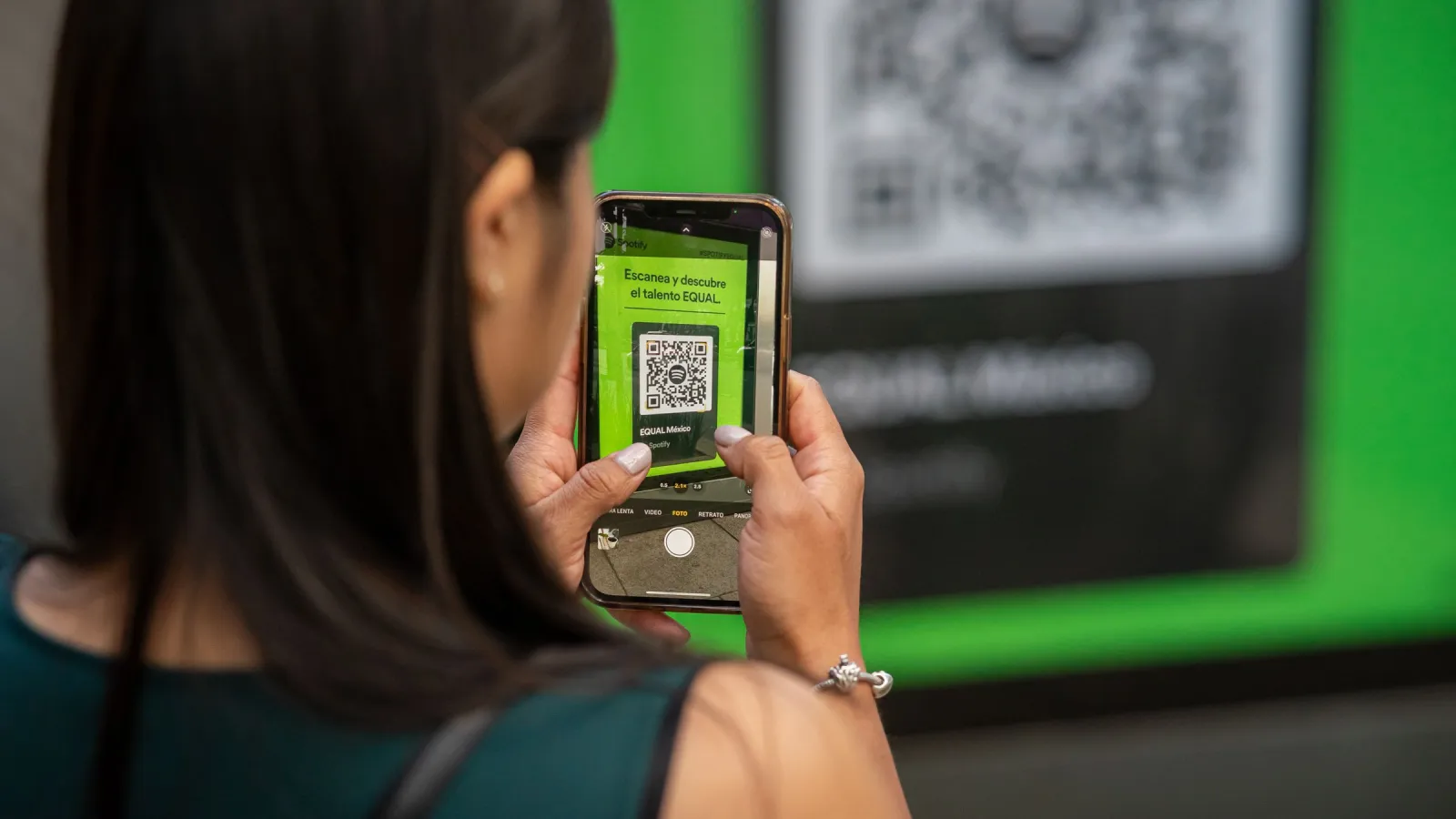
Sooner or later every hotel with QR ordering gets one: a club sandwich and two beers sent to room 214 at 23:40, and the guest in 214 has been asleep since ten. Fake room service orders are rare when the basics are in place, but each one costs food, staff time and an awkward conversation at check-out. This guide shows where fake orders come from and the simple layers that stop almost all of them.
Where fake orders come from
Knowing the source helps you choose the right fix. In a small hotel the usual suspects are:
- A previous guest who took a photo of the QR code and later scans it from home, as a joke or by accident.
- Children playing with a parent's phone in the room or in the corridor.
- People who are not guests: visitors, delivery couriers, someone at a conference in your lobby, if a code is visible in public areas.
- Codes shared online: a guest posts a photo of the room in a review or on social media and the QR code is readable in it.
- Honest mistakes: a guest in room 12 orders using the card that housekeeping accidentally left in room 21.
Most of these are not fraud in the criminal sense. They are gaps in how codes are placed and checked.
Layer 1: QR code hygiene
The cheapest protection is where you put the code and what it opens.
- One unique code per room. A shared "hotel menu" code without a room means staff must guess where to deliver. Per-room QR codes make every order traceable to a room.
- Inside the room only. Never print the ordering code on the outside of the door, in the lift or at reception. A code on public display is an open invitation.
- Check during housekeeping. Add one line to the room checklist: the right card is in the right room, undamaged. Write the room number on the back of each card.
- Keep codes out of marketing photos. Before you publish new room photos on your website or booking platforms, make sure no readable code is in the frame.
Layer 2: Reissuing codes
A code that has been in the same room for two years has been photographed by many guests. Reissuing means generating a new link for the room so the old one stops working.
When to reissue:
- immediately after a fake order from that room
- when a card is lost, stolen or found in another room
- after a guest with a problematic stay checks out
- on a routine schedule, for example once or twice a year, if you see repeated issues
Reissuing only helps if you print and replace the card the same day. Keep a few blank holders at reception for this.
Layer 3: Surname check at check-in
This is the strongest single measure, and it takes reception about five seconds per arrival.
At check-in, reception enters the guest's surname for the room. When someone orders, the menu asks for the surname, and the order passes only if it matches. When the guest checks out, the surname is cleared and the room stops accepting orders until the next check-in.
What this stops:
- previous guests ordering from home with an old photo
- orders from rooms that are vacant
- most prank orders by people who do not know who is staying in the room
For guests it is a minor step: they type their own surname once. Explain it at reception in one sentence so nobody is surprised. Allow simple variations, for example ignore case and accents, so "Müller" and "Muller" both match.
Layer 4: Staff confirmation
Every order should be accepted by a person before the kitchen starts cooking. One tap is enough for normal orders. For some orders, add a quick check:
- The first order of a stay, especially late at night.
- Unusual size or value: six pizzas to a single room, or three bottles of wine at 1:00.
- Orders to a room marked as vacant or due out today.
- Notes that look odd, such as "leave at the door, don't knock" combined with a large order.
A short call to the room ("Good evening, we have your order for two club sandwiches, about 25 minutes, is that right?") clears the doubt and also feels like good service to a real guest.
Layer 5: Limits
Limits do not stop a determined prankster, but they cap the damage.
| Limit | Example setting | Why |
|---|---|---|
| Maximum order value | e.g. €80 without call-back | Large orders get a human check |
| Orders per room per hour | e.g. 3 | Stops repeated taps and spam |
| Ordering hours per category | Kitchen closes at 21:30 | No orders the kitchen cannot fulfil |
| Vacant rooms | Ordering off | No orders from empty rooms |
Start with generous values and tighten only if you see a problem. Limits that annoy real guests cost more than the occasional fake sandwich.
What to do when a fake order happens
- Do not charge it to the guest unless you are sure the guest placed it. Disputes at check-out cost more goodwill than one meal.
- Log it: room, time, items, what staff saw. A short note in the order is enough.
- Reissue the room's code the same day and replace the card.
- Check the pattern. Several fake orders from rooms on one floor may mean a card is in a public spot or a photo is circulating.
- Turn on the surname check if you have not already.
If a guest disputes a real charge, a clear order history with time and room helps. See our guide on posting room charges correctly.
Do and don't
Do:
- keep one code per room, inside the room
- clear the surname and pause ordering on check-out
- call the room for unusual orders
- reissue codes after incidents
Don't:
- print codes on doors, corridors or the website
- start cooking before someone accepts the order
- charge disputed orders without checking
- set limits so tight that real guests give up
If you are setting up in-room ordering from scratch, our launch checklist includes the placement and testing steps.
In Roomtray, the check-in verification works exactly as described above: reception enters the surname at check-in, and orders only pass with a match. Codes can be reissued per room from the admin panel in a few seconds.