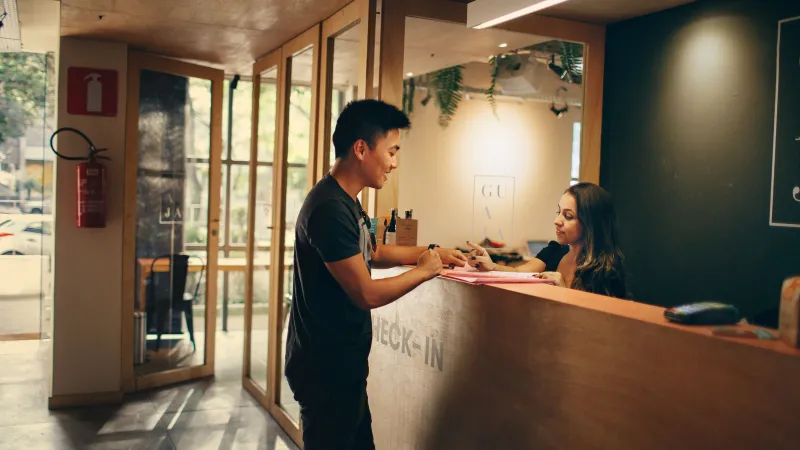
Operations 6 min read
Launch In-Room Ordering in One Afternoon: Checklist
A step-by-step checklist to launch in-room ordering in a small hotel in one afternoon: room list, menu, photos, QR printing, staff setup and a test order.
QR codes
The QR code is the door to your menu. Roomtray makes a separate code for each room: the guest scans it, the menu opens, and the order arrives with the room number already filled in.
Download the codes as a PDF in the format that suits your rooms. Every code carries the room number and your logo, so housekeeping knows where it belongs.
The guest never types a room number, so orders never go to the wrong door. The staff board shows the room in large type, and the bill collects the orders of that room only.
Each code contains a long random token, not the room number. Nobody can guess the code of room 215 from the code of room 214.
A guest posted a photo of the code online, or a card went missing? Reissue the code of that room or of the whole hotel. The old code stops working at once, and the new one is ready to print.
For stricter control, combine the codes with check-in verification: then a code only accepts orders from the guest who is staying in the room now.
The desk, the bedside table and the back of the door work best: places where a guest looks when they think about food. Add one line next to the code, such as "Breakfast and room service, charged to your room", so guests know what they will find.
No. A code works until you reissue it or deactivate the room. You can print once and leave the cards in the rooms for years.
The codes contain your menu address, so after changing it you print new codes. Roomtray warns you before you save.
Only if they kept the link and nothing else stops them. Staff accepts each order, and with check-in verification an old code stops working after check-out.
You can take the code from the PDF and place it on your own card. Keep it at least 3 cm wide and on a light background so every phone reads it.
From the blog
Operations 6 min read
A step-by-step checklist to launch in-room ordering in a small hotel in one afternoon: room list, menu, photos, QR printing, staff setup and a test order.
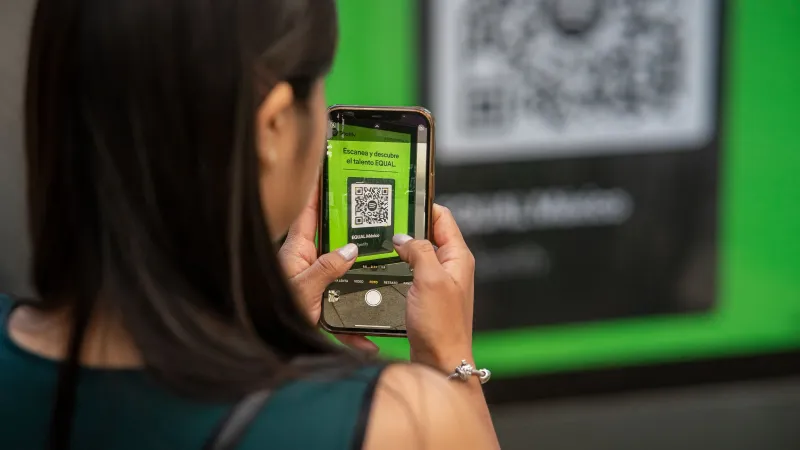
Operations 6 min read
Practical ways to prevent fake or prank room service orders: QR code hygiene, reissuing codes, surname check at check-in, staff confirmation and limits.
Technology 6 min read
QR menu vs printed in-room menu for hotels: real costs, price updates, hygiene, languages, guest experience, and the cases where paper still makes sense.
30 days of Pro free, without a card or a contract. Afterwards you choose Pro or stay on Free.
Free up to 15 rooms. No card needed.
Cookies for statistics
With your consent we use Google Analytics to see which pages are useful. No ads, no selling of data. Privacy policy
You accepted statistics cookies. You declined statistics cookies.