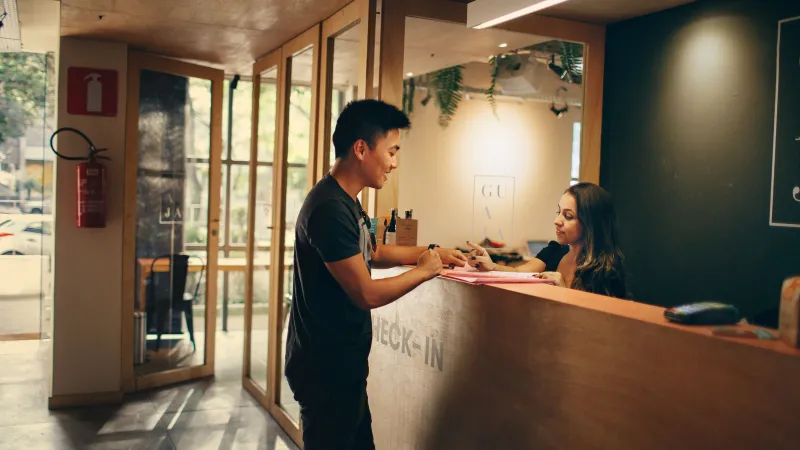
Operations 6 min read
Launch In-Room Ordering in One Afternoon: Checklist
A step-by-step checklist to launch in-room ordering in a small hotel in one afternoon: room list, menu, photos, QR printing, staff setup and a test order.
Telegram notifications
Many small hotels already run the shift in a Telegram group. Roomtray posts every new order there, and the cook or the night receptionist accepts it with one tap without opening anything else.
Each order comes as one message: order number, room, guest surname if check-in verification is on, every dish with its options, the guest's comment and the total. Under the message there are two buttons, Accept and Reject.
When someone taps Accept, the message updates for everybody in the chat with the name and the time. Two people cannot accept the same order twice, and the guest sees the new status on the phone straight away.
Breakfast rush, a phone left in the locker, a cook with both hands in the dough. If an order stays unaccepted for 3 minutes, Roomtray sends a second message to the manager. An order cannot quietly sit in the chat until the guest calls to ask where the food is.
Connect a personal chat for the owner and a group for the kitchen or the reception, or both. You get a one-time code on the staff board, send it to the Roomtray bot, and the chat is linked. Remove the bot from the group to stop the messages.
If the kitchen is closed or a dish has run out, staff rejects the order and picks a reason. The guest sees it in their language and can order something else, instead of waiting for food that will not come.
Yes. Telegram notifications, the reminder to the manager and the staff board are part of both Free and Pro.
No. The staff board in the browser works on its own, with a sound for each new order. Telegram is an extra channel for people who are not standing next to the tablet.
Yes. Add the bot to a group, and everyone in it sees the order. The first person who taps Accept takes it, and the message shows who did.
The room number, the order and the comment, plus the surname when check-in verification is on. Telegram only gets what the staff needs to deliver the order.
From the blog
Operations 6 min read
A step-by-step checklist to launch in-room ordering in a small hotel in one afternoon: room list, menu, photos, QR printing, staff setup and a test order.
30 days of Pro free, without a card or a contract. Afterwards you choose Pro or stay on Free.
Free up to 15 rooms. No card needed.
Cookies for statistics
With your consent we use Google Analytics to see which pages are useful. No ads, no selling of data. Privacy policy
You accepted statistics cookies. You declined statistics cookies.