Launch In-Room Ordering in One Afternoon: Checklist
A step-by-step checklist to launch in-room ordering in a small hotel in one afternoon: room list, menu, photos, QR printing, staff setup and a test order.
By the Roomtray team 6 min read
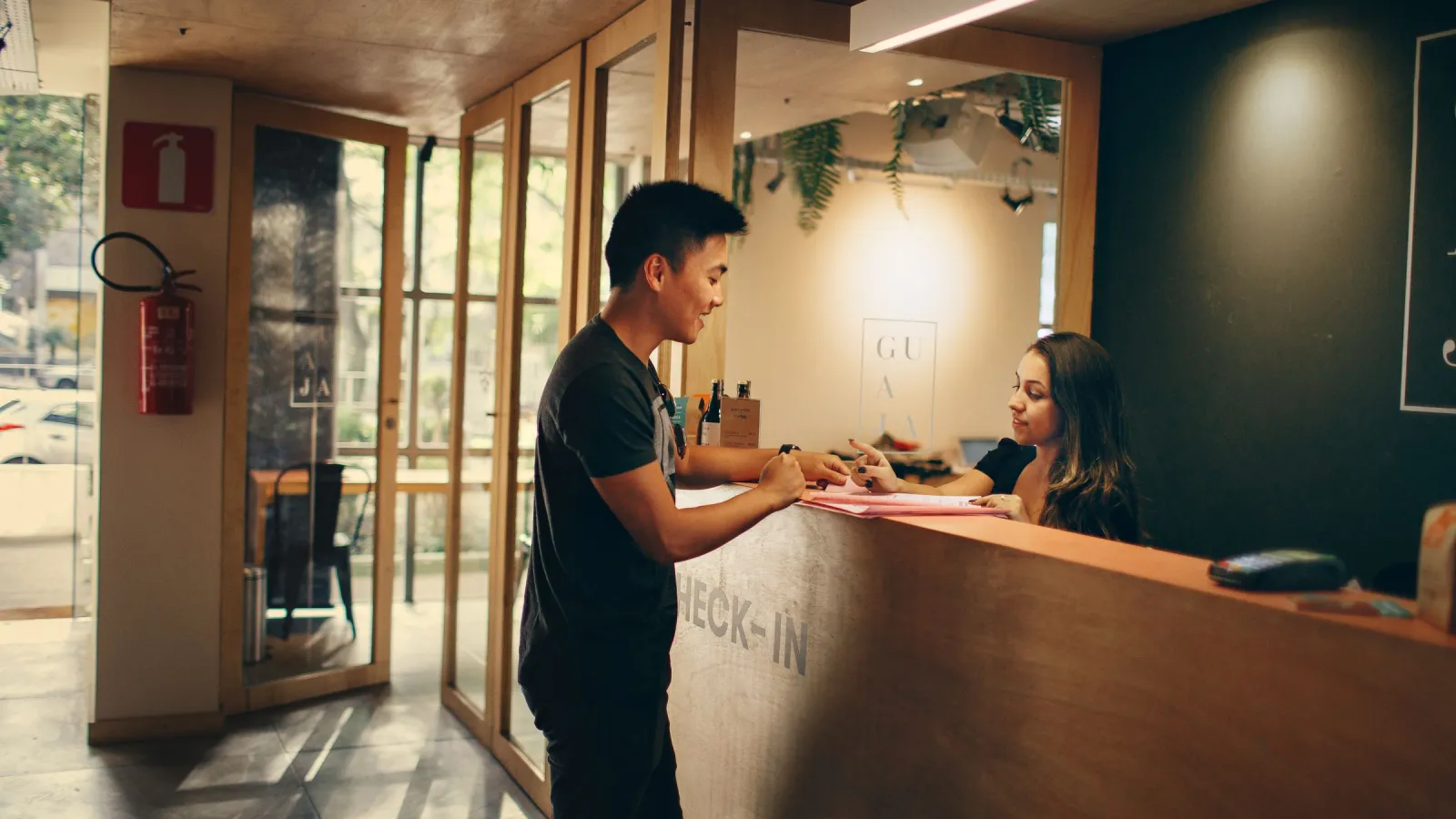
Launching in-room ordering sounds like a project with meetings, a vendor and a training week. For a guesthouse or a small hotel it can be one afternoon of focused work. You need a list of rooms, a short menu, a few phone photos, printed QR codes and a staff member who knows what to do when the first order arrives.
This checklist assumes a property with 10 to 60 rooms, an existing breakfast or small kitchen (or a partner who cooks), and one person who does the setup. The times are an example plan for a quiet afternoon, say from 13:00 to 18:00.
Before you start: decide three things
Spend 15 minutes on these before touching any software. They shape everything else.
- What can guests order? Breakfast in the room, snacks and drinks, simple hot dishes, housekeeping requests (towels, extra pillow, cleaning). Start with what you already serve.
- When? Write down hours per category. For example: breakfast 7:00-10:30, kitchen 12:00-21:00, drinks and snacks until 23:00, requests 24 hours.
- Who accepts and who delivers? In a small property this is often the receptionist accepting and the kitchen or night porter delivering. One name per shift, not "whoever is free".
13:00 - Rooms and basic settings (30 minutes)
- Create the property, set the currency, time zone and main language.
- Add rooms exactly as they are numbered on the doors. Include suites, annex rooms and apartments. A room that is missing from the list is a guest who cannot order.
- Group rooms by floor or building if your delivery route depends on it.
- Decide whether you want check-in verification from day one (reception enters the guest surname, orders only pass with a matching surname). For a small guesthouse it is fine to start without it and switch it on later.
13:30 - Write a short menu (60 minutes)
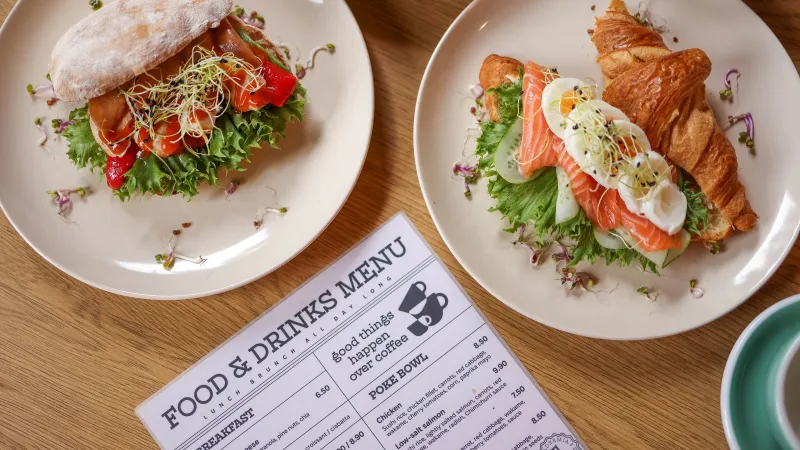
The most common launch mistake is copying the full restaurant menu. Room service needs fewer items that travel well.
- Start with 15 to 30 items. Five breakfast items, five to eight hot dishes or snacks, drinks, and five housekeeping requests is plenty.
- Use categories guests understand: Breakfast, Hot dishes, Snacks, Drinks, Requests.
- Write one-line descriptions with the main ingredients and portion size. "Chicken soup with noodles, 350 ml" works better than "Grandma's soup".
- Mark allergens for every dish. If unsure, ask the kitchen now, not after the first guest asks.
- Set prices including any delivery fee you want to charge. Make the fee visible, never a surprise on the bill.
- Add availability hours to each category so nothing can be ordered when the kitchen is closed.
Write the menu in your main language first. Translate into the languages your guests actually speak, usually English plus two or three more. Have a native speaker glance at the dish names if possible.
14:30 - Photos with a phone (45 minutes)
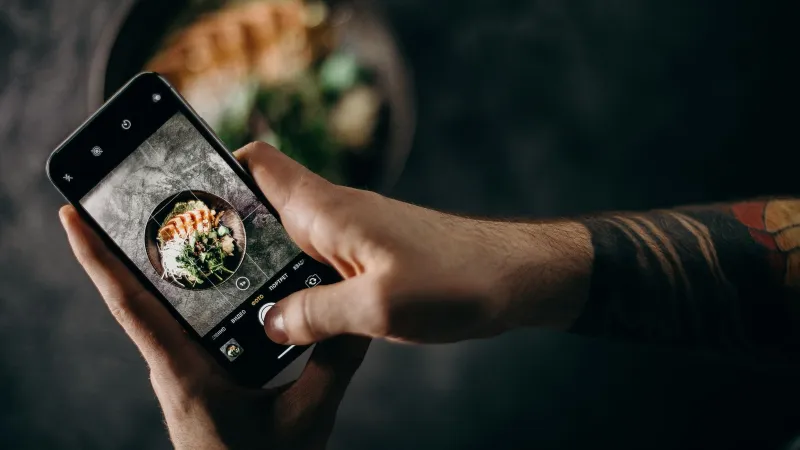
You do not need a photographer. Ask the kitchen to plate the top 8 to 10 dishes once, take them to a window and shoot them with a phone.
- Daylight, no flash, shoot from about 45 degrees.
- Plain background: a wooden board, a white plate, a neutral tray.
- Same angle and background for all dishes, so the menu looks consistent.
- Skip photos for water, standard soft drinks and requests. Text is enough.
We wrote a separate guide on menu photos with a phone if you want more detail. The staff can eat the dishes afterwards, which is a nice bonus for a launch day.
15:15 - Generate and print QR codes (45 minutes)
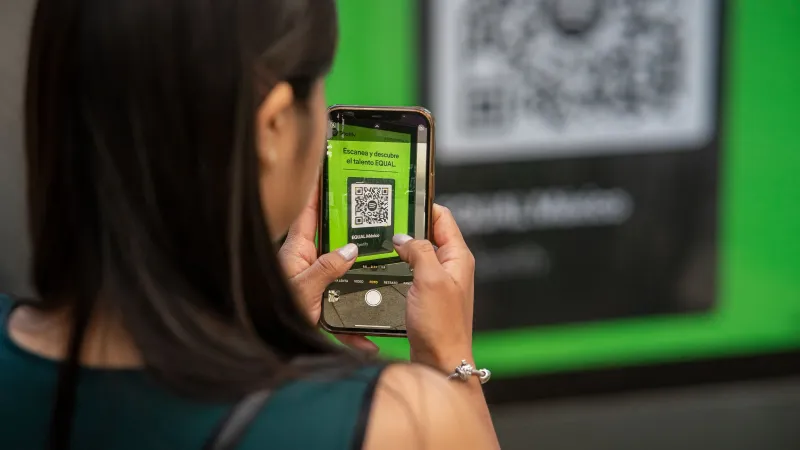
- Generate one QR code per room. Each code must open the menu already linked to that room, so the guest does not type a room number.
- Print a test page first and scan it from about 40 cm with two different phones, one older Android and one iPhone.
- A printed code of at least 3 to 4 cm wide is a sensible minimum for scanning from arm's length.
- Choose a holder that survives cleaning: a laminated card, an acrylic stand, or a sticker on a hard surface. Avoid glossy paper under a desk lamp, it reflects.
- Write the room number small on the back of each card so housekeeping puts it in the right room.
Next to the code, add one short line in two or three languages, such as "Order breakfast and room service. Scan with your camera." and "Charged to your room bill".
16:00 - Connect and brief the staff (40 minutes)
- Put the order screen on a tablet at reception or in the kitchen. Plug it in permanently and turn off auto-lock.
- Connect staff phones to Telegram notifications so a new order is heard even when nobody looks at the tablet.
- Show every person on shift the full cycle: new order arrives, accept with one tap, prepare, deliver, mark as delivered.
- Agree on response times. For example: accept within 3 minutes, tell the guest a realistic delivery time.
- Explain how charges go to the room bill and who checks them at check-out.
- Write a half-page note for the night shift and stick it next to the tablet.
16:40 - Place the codes in rooms (30 minutes)
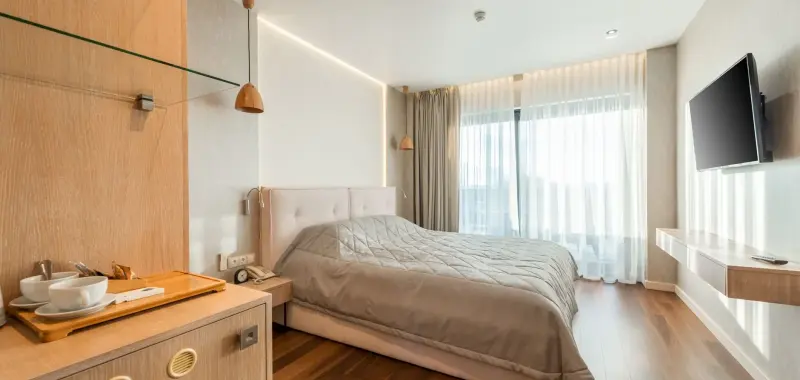
Housekeeping can do this during the afternoon round. Put the code where guests sit or lie down: on the desk or the bedside table, not inside a drawer or on the back of the door. One code per room is enough to start.
17:10 - Test orders (30 minutes)
This step is the one people skip, and the one that saves the first evening.
- Scan the code in two or three different rooms, one on each floor.
- Place a real order from each: one breakfast for tomorrow, one hot dish, one towel request.
- Check that the order shows the right room, the right items and the right language for staff.
- Accept on the tablet, check the Telegram message, deliver to the room, close the order.
- Check that the amount landed on the right room bill.
- Try ordering from a closed category. It should be blocked.
Fix what you find and test once more.
17:40 - Tell guests
- Reception mentions it at check-in in one sentence: "You can order breakfast and drinks from your phone, the code is on your desk."
- Add one line to the pre-arrival email and to the welcome card.
- Count the first week's orders and ask two or three guests what they found confusing.
Launch-day checklist
| Step | Done |
|---|---|
| Hours and responsibilities decided | |
| All rooms added with correct numbers | |
| Menu of 15-30 items with allergens and prices | |
| Translations checked | |
| Photos of top dishes uploaded | |
| QR codes test-printed and scanned | |
| Tablet plugged in, Telegram connected | |
| Staff briefed, night note written | |
| Codes placed in every room | |
| Test orders placed and charged correctly |
If you are deciding between a QR menu and a printed folder, our comparison of QR menu vs paper menu covers the trade-offs.
Roomtray is built for exactly this kind of afternoon launch. The free plan covers up to 15 rooms, and Pro is €19 per month for up to 200 rooms with the first month free and no card required. You can create an account and go through this checklist the same day.